
Tahko Trails Map — User Guide
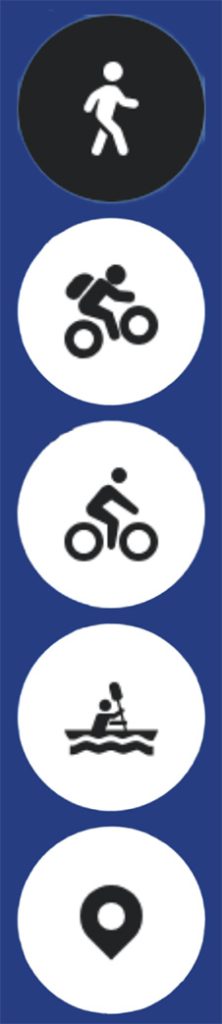
Top Left — Activity Selection
From the top left corner of the map, you can select which activity’s route information you want to
view. The summer and winter maps have different activity selection buttons.
The menu also includes information on location marker points. These can be useful if you need
evacuation assistance while out on a route. The rescue services and local taxis also make use of the
location marker data, making them valuable in first aid and rescue situations. Note: tapping a
location marker twice will display both the route lines and the location markers simultaneously on
the map.

Top Right — Information Menu
In the top right corner of the map you will find the information menu, where you can access more
detailed information about the area and guidance for moving along the trail network. You will also
find links to Tahko’s live cameras and any active warnings. We encourage you to familiarise yourself
with the outdoor etiquette and the Leave No Trace -Tahko guidelines.
Top Right — Route Collections
Below the information menu is a route icon, which gives you access to recommended route
combinations. Route collections are currently available on the summer map for mountain biking,
walking and running, and gravel and touring cycling.
Top Right — Map Type and Difficulty Classifications
Below the route collections button is a map layers icon, where you can select the base map style
and check the colour-coded difficulty classification of the routes. More detailed descriptions of the
difficulty classification can be found in the information menu. You can also switch between the
summer and winter map from the same view.

Bottom Right — Location
In the bottom right corner of the map there is a round button for enabling your location. Allow
location access in your phone’s settings and make sure precise location is also enabled. With
location active, you can see your position on the map and more easily navigate your way at trail
junctions.
Bottom Right — Zoom
In the bottom right corner of the map you will find plus and minus buttons for zooming in and out of
the map view.
Map Information Layers
Summer Map
- Walking and running routes and route collections
- Mountain biking routes and route collections
- Gravel and touring cycling routes and route collections
- Paddling route alignments
- Colour-coded route difficulty classification
Winter Map
- Cross-country ski tracks — all tracks can be skied in both classic and skating style. 67 km in
total, of which 20 km are lit - Colour-coded ski track difficulty classification
- Winter cycling and winter hiking routes
- Snowmobile routes
- Route maintenance information: ski tracks, winter cycling routes and snowmobile routes
- Real-time location of the grooming machine, snowmobile trail groomer and winter route
maintenance operator
Other Information on the Map
- Parking areas
- Cafés, restaurants, rental shops and stores
- Wilderness huts, shelters, lean-tos and other fire sites
- Sights and viewpoints
- Location marker points — for rescue and evacuation purposes
- Warnings on routes or other current notices relating to trail use